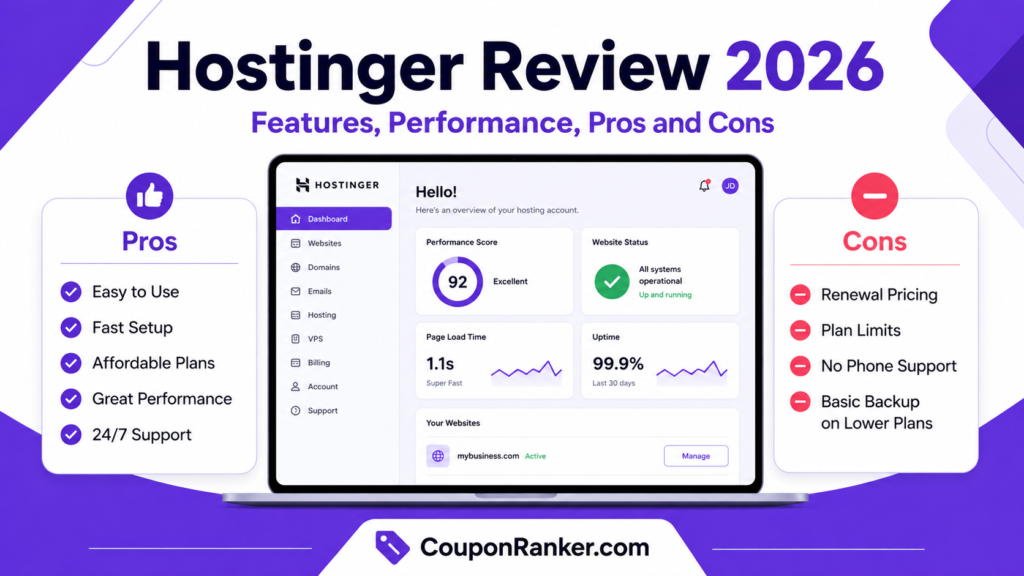
Choosing the right web hosting provider is one of the most important decisions for any website owner. Whether you are starting a blog, business website, portfolio, coupon website, online store, or WordPress project, your hosting affects your website speed, uptime, security, and overall user experience.
Hostinger has become one of the most popular hosting providers because it combines affordable pricing, beginner-friendly tools, WordPress optimization, AI features, and useful performance features in one platform. In this Hostinger review 2026, we will look at its main features, performance, benefits, drawbacks, and whether it is a good choice for your website.
What Is Hostinger?
Hostinger is a web hosting company that offers different hosting services, including shared web hosting, managed WordPress hosting, cloud hosting, VPS hosting, domains, email, website builder tools, and AI-powered website solutions. It is designed for beginners, small businesses, bloggers, affiliate marketers, developers, and growing online projects.
One of the biggest reasons people choose Hostinger is its simple dashboard, known as hPanel. Unlike traditional hosting dashboards that may feel confusing for beginners, Hostinger’s hPanel is clean, modern, and easy to use. From installing WordPress to managing emails, SSL, backups, databases, domains, and files, most tasks can be handled from one simple control panel.
Hostinger Review 2026: Quick Verdict
Hostinger is a strong choice for beginners, bloggers, small business owners, affiliate websites, and WordPress users who want affordable hosting with good speed, useful tools, and easy management. It offers a solid balance of price, performance, security, and usability.
However, Hostinger may not be the best option for very large websites, complex ecommerce stores, or heavy database-based platforms on entry-level shared hosting. For bigger projects, Hostinger Cloud Hosting or VPS plans may be a better choice.
Overall, Hostinger is worth considering in 2026 if you want a budget-friendly hosting provider with modern features and beginner-friendly management.
Key Features of Hostinger
1. Easy-to-Use hPanel
Hostinger uses its own custom control panel called hPanel. It is designed to make website management simple, even for users who do not have technical experience. You can manage WordPress, domains, SSL certificates, emails, backups, databases, file manager, website migration, and performance tools from the same dashboard.
This makes Hostinger especially helpful for beginners who want to launch a website without dealing with complicated hosting settings.
2. Managed WordPress Hosting
Hostinger is a good option for WordPress users because it offers managed WordPress hosting features. You can install WordPress quickly, manage updates, use security tools, and improve website performance with WordPress-focused hosting features.
For bloggers, coupon website owners, affiliate marketers, and small businesses, this can save time and make website setup much easier.
3. LiteSpeed Server Technology
Speed is very important for SEO, user experience, and conversions. Hostinger uses LiteSpeed server technology on WordPress hosting, which can help improve loading times when combined with proper caching and website optimization.
For WordPress websites, LiteSpeed Cache can also be useful for improving page speed, reducing load time, and making the website smoother for visitors.
4. Free SSL Certificates
SSL is important for website security and trust. Hostinger includes free SSL certificates with hosting plans, which helps protect user data and makes your website show as secure in browsers.
This is especially important for business websites, coupon websites, ecommerce stores, and any site that collects user information.
5. Website Builder and AI Tools
Hostinger also offers website builder and AI-powered tools that can help users create websites faster. These tools are useful for beginners who do not want to design everything manually or hire a developer.
AI tools can help with website creation, content ideas, design structure, and basic website setup, depending on the plan and tools available at the time.
6. Free Domain on Selected Plans
Some Hostinger plans include a free domain for the first year when you choose eligible annual hosting plans. This can help reduce startup costs if you are launching a new website.
Before buying, always check the current plan details because free domain availability may depend on the hosting plan, billing period, and selected domain extension.
7. Backups
Backups are important because they help protect your website data. Hostinger offers backups depending on the plan. Some plans may include weekly backups, while higher plans may include daily backups and easier restore options.
For serious websites, daily backups are highly recommended because they reduce the risk of losing important content, orders, posts, or design changes.
8. CDN Support
A CDN can help improve loading speed for visitors from different locations by serving website content from servers closer to them. Hostinger includes CDN features on selected plans, which can be useful if your website gets traffic from multiple countries.
For affiliate websites and blogs targeting international traffic, CDN support can improve user experience and page loading performance.
9. Free Website Migration
Hostinger offers free website migration, which is helpful if your website is already hosted somewhere else. Instead of manually moving files, databases, and settings, you can request migration and move your website to Hostinger more easily.
This is useful for WordPress users who want to switch hosting providers without handling technical migration steps themselves.
10. Security Features
Hostinger includes important security features such as SSL, malware scanning on selected plans, automatic updates, backups, and security monitoring tools. These features help reduce common website risks and make website management easier.
For WordPress websites, you should still use strong passwords, keep plugins updated, avoid nulled themes, and use trusted security practices.
Hostinger Performance in 2026
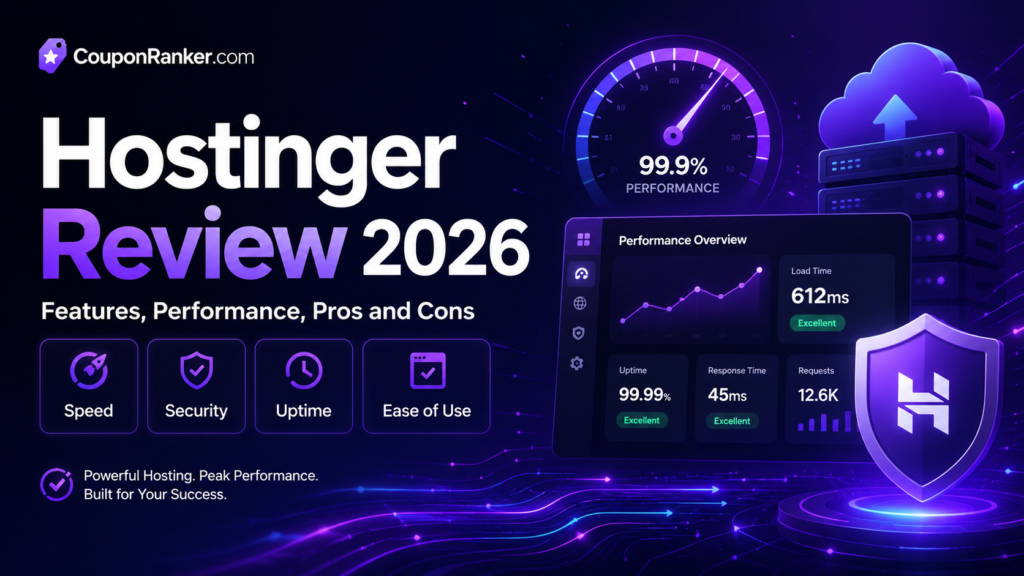
Hostinger performs well for most small to medium websites, especially blogs, portfolios, business websites, affiliate sites, and WordPress projects. Its LiteSpeed infrastructure, caching support, CDN options, and global data centers can help improve loading speed.
For normal websites, Hostinger can provide a smooth experience. However, performance depends on your hosting plan, website size, theme quality, number of plugins, image optimization, caching setup, and traffic level.
If your website is lightweight and properly optimized, Hostinger shared hosting can be enough. But if your website has heavy traffic, many products, large databases, user accounts, or complex ecommerce features, you may need cloud hosting or VPS hosting for better resources.
Hostinger Uptime
Uptime is one of the most important factors in web hosting. If your website is down, visitors cannot access it, and this can affect traffic, sales, trust, and SEO.
Hostinger offers a 99.9% uptime guarantee, which is a common standard in the hosting industry. Independent testing has also shown strong uptime performance in recent reviews. For most small and medium websites, Hostinger’s uptime is reliable enough.
Hostinger Pricing
Hostinger is known for affordable hosting prices, especially for long-term plans. It often offers discounted rates for new customers, but renewal prices can be higher than the first-term price.
This is very important to understand before buying. Many hosting companies offer low introductory prices, and Hostinger also uses this model. So, when choosing a plan, check both the first payment price and the renewal price.
For beginners, the basic or premium hosting plans may be enough. For long-term affiliate websites, business websites, or websites with more traffic, higher plans with more storage, backups, and better resources may be more suitable.
Hostinger Pros
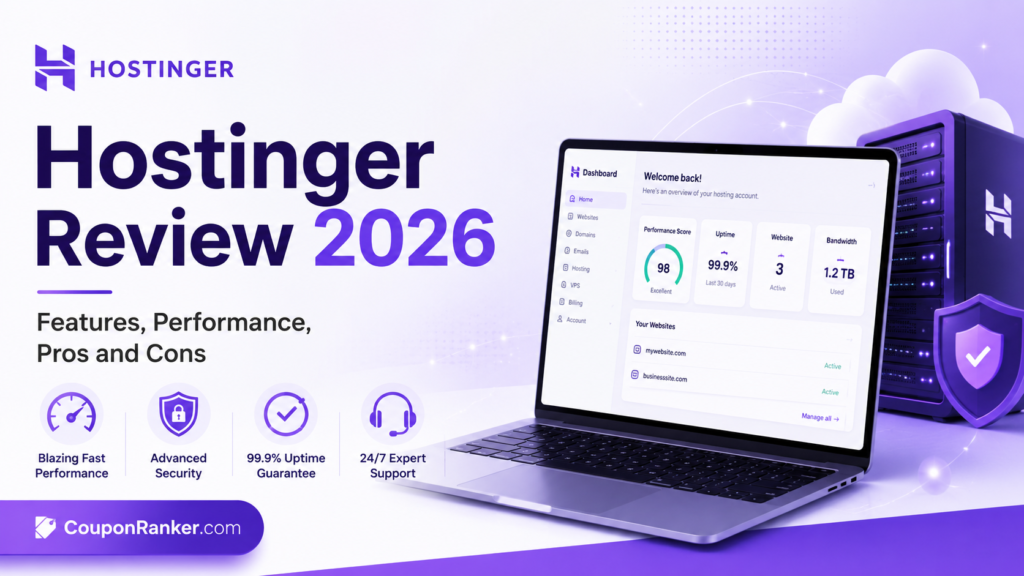
Affordable for Beginners
Hostinger is one of the more budget-friendly hosting options, especially for people starting their first website. It gives many useful tools at a lower starting price compared to many premium hosting providers.
Beginner-Friendly Dashboard
The hPanel dashboard is clean and simple. It helps beginners manage hosting without feeling confused.
Good WordPress Support
Hostinger is a strong option for WordPress users because it offers quick installation, WordPress-focused tools, LiteSpeed support, and useful management features.
Fast Loading Potential
With LiteSpeed technology, caching, CDN, and proper website optimization, Hostinger can deliver good loading speed for small and medium websites.
Free SSL and Useful Security Tools
Free SSL, backups, malware scanning on selected plans, and other security tools make Hostinger useful for website owners who want a safer hosting setup.
Global Data Centers
Hostinger has multiple data center locations, which helps users choose a server closer to their target audience. This can improve website speed and reduce latency.
AI and Website Builder Tools
Hostinger’s AI tools and website builder features can help beginners create websites faster without advanced design or coding skills.
Free Migration
If you already have a website, Hostinger’s free migration option can make it easier to move from another hosting provider.
Hostinger Cons
Renewal Prices Can Be Higher
The first-term price can be very attractive, but renewal prices may be higher. Always check renewal costs before buying a long-term plan.
Entry-Level Plans Have Limits
Basic shared hosting is suitable for simple websites, but it may not be powerful enough for large ecommerce stores, heavy database websites, or high-traffic platforms.
No Phone Support
Hostinger mainly offers support through live chat, email, and tickets. If you prefer phone support, this may be a drawback.
Some Features Depend on Plan
Features such as daily backups, advanced resources, CDN, priority support, and more storage may depend on the plan you choose. Always compare plans carefully before purchasing.
Not Ideal for Very Heavy Websites on Shared Hosting
If your website has advanced functionality, large traffic, or heavy server usage, shared hosting may not be enough. In that case, cloud hosting or VPS hosting would be a better choice.
Who Should Use Hostinger?
Hostinger is a good choice for:
- Beginners starting their first website
- Bloggers and content creators
- Affiliate marketers
- Coupon websites
- Small business websites
- Portfolio websites
- WordPress users
- Low to medium traffic websites
- Users who want affordable hosting with easy management
Who Should Avoid Hostinger?
Hostinger may not be the best choice for:
- Very large ecommerce stores on shared hosting
- High-traffic websites needing dedicated resources
- Users who need phone support
- Advanced developers who want full server control on managed shared plans
- Projects with heavy database or image processing needs
Is Hostinger Good for WordPress?
Yes, Hostinger is a good option for WordPress websites in 2026. It offers managed WordPress hosting, quick WordPress installation, LiteSpeed infrastructure, free SSL, backups, CDN options, and an easy dashboard.
For blogs, affiliate sites, coupon websites, and business websites, Hostinger can be a strong WordPress hosting choice. To get the best performance, use a lightweight theme, optimize images, reduce unnecessary plugins, and enable caching.
Is Hostinger Good for Affiliate Websites?
Yes, Hostinger can be a good hosting option for affiliate websites, especially if you are building coupon websites, product review blogs, comparison websites, or niche content sites.
Affiliate websites need fast loading speed, good uptime, SSL, easy WordPress management, and stable performance. Hostinger covers these basics well for small and medium affiliate projects.
If your affiliate website grows and receives high traffic, you can upgrade to a better plan or cloud hosting for stronger performance.
Hostinger Alternatives
If you are comparing Hostinger with other hosting providers, you may also look at:
- Bluehost
- SiteGround
- Namecheap
- DreamHost
- GoDaddy
- Cloudways
Each hosting provider has its own strengths. Hostinger is best for affordability, beginner-friendly tools, and easy website setup. SiteGround may offer strong managed WordPress performance but usually costs more. Namecheap can be cheap, but its hosting experience may not feel as polished for every user. Cloudways can be powerful, but it is more technical and may not be ideal for beginners.
Final Verdict: Is Hostinger Worth It in 2026?
Hostinger is worth considering in 2026 if you want affordable, easy-to-use, and feature-rich hosting for a blog, WordPress website, affiliate site, small business site, or portfolio. It offers a strong mix of price, performance, security, website builder tools, AI features, and beginner-friendly management.
It is not perfect for every user. Renewal prices can be higher, phone support is not available, and entry-level shared hosting may not be powerful enough for very heavy websites. But for most beginners and small to medium website owners, Hostinger offers excellent value.
If you are starting a new website in 2026 and want hosting that is simple, affordable, and reliable, Hostinger is a strong option to consider.
Frequently Asked Questions
Is Hostinger good in 2026?
Yes, Hostinger is a good hosting provider in 2026 for beginners, WordPress users, bloggers, affiliate marketers, and small business websites. It offers affordable plans, useful features, and easy website management.
Is Hostinger good for WordPress?
Yes, Hostinger is good for WordPress because it offers managed WordPress hosting, LiteSpeed server technology, SSL, backups, and easy WordPress installation.
Does Hostinger offer free SSL?
Yes, Hostinger includes free SSL certificates with hosting plans, which helps keep websites secure.
Does Hostinger have good uptime?
Hostinger offers a 99.9% uptime guarantee and generally performs well for uptime in independent hosting tests.
Is Hostinger good for beginners?
Yes, Hostinger is beginner-friendly because of its simple hPanel dashboard, website builder tools, AI features, and one-click WordPress installation.
What is the biggest drawback of Hostinger?
The main drawbacks are higher renewal prices, no phone support, and limited resources on entry-level shared hosting plans.
Is Hostinger good for ecommerce?
Hostinger can work for small ecommerce websites, but larger stores may need cloud hosting or VPS hosting for better performance and resources.
Should I choose Hostinger shared hosting or cloud hosting?
Choose shared hosting for blogs, portfolios, small business websites, and beginner projects. Choose cloud hosting if your website gets more traffic, needs more resources, or runs heavier features.
